
Tyrrell County Court Calendars Explained
Tyrrell County works within the North Carolina Judicial Branch calendar system. The statewide eCourts Portal is part of that setup. The county route publishes separate calendar views for civil and criminal matters. Both views show a court list. But the calendar runs on JavaScript. So filter labels are not fully documented for public users. For one specific Tyrrell County court setting, the safer sequence is simple: identify the case, open its Case Summary, then check the current hearing result.
Superior Court and District Court both sit in the state system. Each shares the Tyrrell County Clerk of Superior Court. Superior Court handles felonies, certain appeals, and civil matters above $25,000. District Court takes misdemeanors, traffic infractions, family and juvenile matters, lower-value civil cases, and magistrate matters. That division shapes which Tyrrell County court calendar helps most. Still, a case number or party name is the surest way to tie a calendar entry to the right file.
The official Tyrrell civil calendar is one of the county-filtered publication routes.
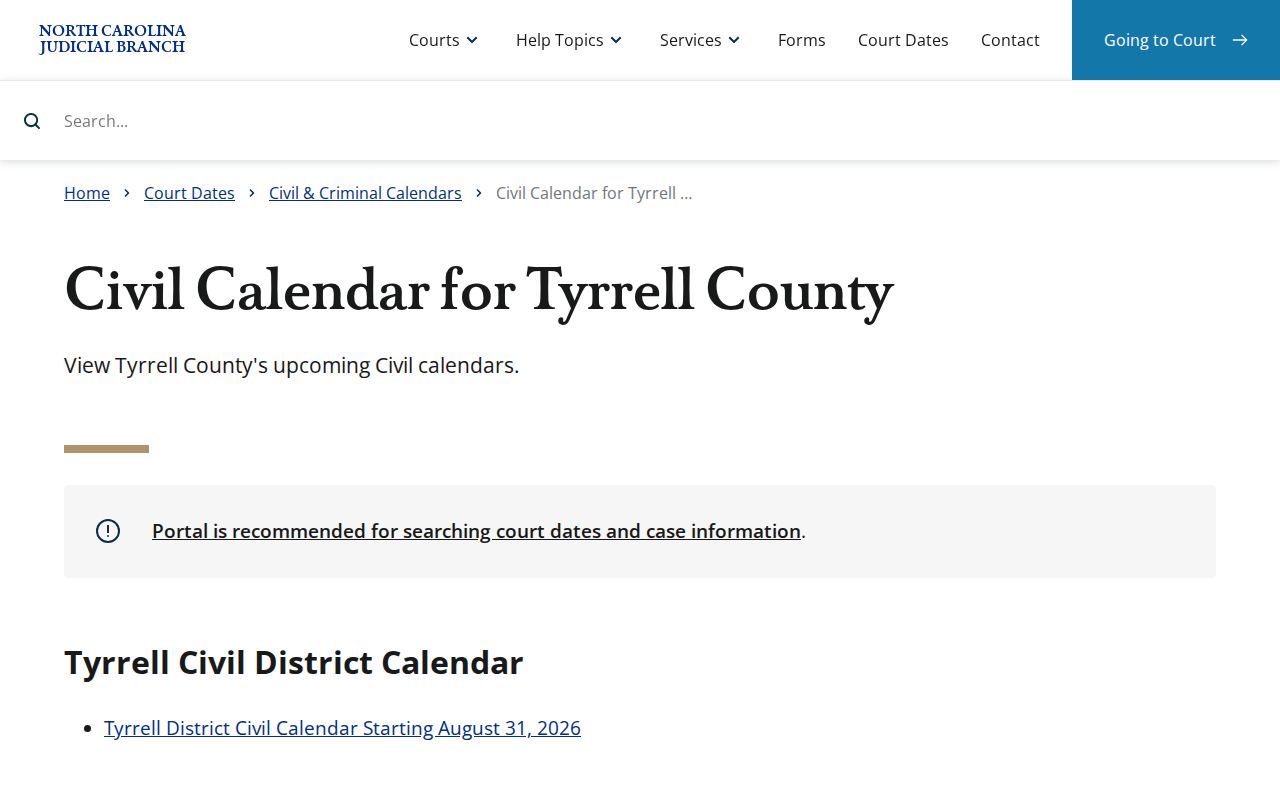
Treat the Tyrrell civil view as a published calendar check. When an entry matters to a pending case, confirm the setting against the public case information or the Tyrrell Clerk.
Tyrrell Civil and Criminal Court Calendars
The two Tyrrell County calendar links do different work than a case lookup. The civil route arrives prefiltered to Tyrrell and Civil. The criminal route comes prefiltered to Tyrrell and Criminal. A civil calendar helps when a party knows the case type, and the criminal calendar is the matching Tyrrell County publication route for criminal activity. Neither one replaces the Case Summary. For a case's events, assignment, or the most recent hearing, that summary remains the better tool.
The official Tyrrell criminal calendar provides the companion county-filtered view.
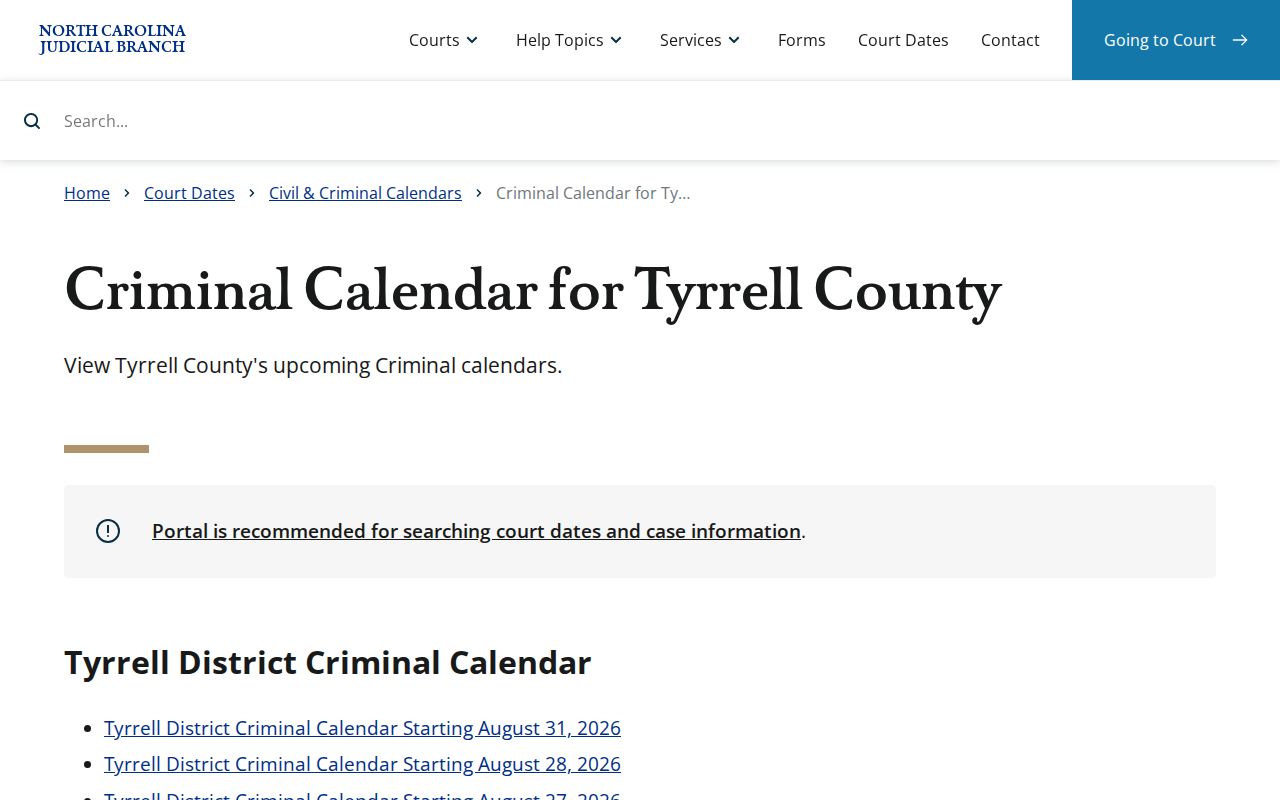
The Tyrrell civil and criminal calendars are separate products. Match the calendar type to the matter, and use the Tyrrell Clerk or Portal when the case category is unclear.
Finding Your Court Date
Start with your Tyrrell citation or Tyrrell County court paper. A citation carries a court date. A notice may carry the case number for a more exact search. The portal's Smart Search can pull up a public Case Summary. It works by case number or party name. Its Hearings and Case Events categories show the setting in context. Search Hearings is the documented tool for current location and time work. The Tyrrell County calendar stays the separate publication check.
- Read the citation, notice, or prior court paper for the case number and any stated date.
- Use eCourts Portal Smart Search by case number or party name, then inspect the Case Summary, Hearings, and Case Events.
- Open Search Hearings, select the Tyrrell or appropriate court location, choose a search type, and enter the related identifier with a Date From value. Add Date To when a narrower window helps.
- Check the matching civil or criminal Tyrrell County court calendar for the published calendar view.
- Call the Clerk through the courthouse at (252) 766-6510, or ask the courtroom clerk about the local case-call order, if the results conflict or seem old.
- Visit the Clerk counter and use the public terminal or available paper file if the online paths do not settle the question.
The portal's anonymous public search is free. A registration account can save cases under My Cases. It does not change access to restricted material. When a public file, record image, or current setting is not visible online, the Clerk and the courthouse terminal remain the local escalation route.
Note: A daily calendar line can show a matter is listed. The courtroom clerk is still the source for the local order of calls.
Tyrrell Court Date Search Fields
Search Hearings starts with Location, which is required. Courtroom and Hearing Type are conditional refinements. The search type can be Case Number, Party Name, Business Name, Attorney Name, Attorney Bar Number, Judicial Officer, or Courtroom. A Date From field is required too. Date To can narrow the window. Submit returns matches only when the criteria fit a current hearing. Clear wipes the search criteria.
| Field | Type | Required | Use for a Tyrrell court date |
|---|---|---|---|
| Location | Dropdown | Yes | Choose Tyrrell or the appropriate court location. |
| Courtroom / Hearing Type | Dropdown | Conditional | Refine a known Tyrrell setting when the live Portal offers the relevant choice. |
| Select Search Types | Dropdown | Yes | Match the type to the Tyrrell case number, party, business, attorney, officer, or courtroom information available. |
| Date From / Date To | Date picker | From yes; To optional | Set the period for current Tyrrell hearing results. |
Result columns carry sort arrows. The official guidance does not list every possible result label. Read only what the tool documents: the search key or case identifier, the hearing date and time, the location or courtroom, and the result context actually shown.
How to Read a Court Setting
A setting is the date and time placement of a case on a court calendar. It is not a promise the case will be called at a precise moment. The current Search Hearings result gives the strongest online location and time signal. The Case Summary adds event history, assignment information, and any public context needed to make sense of that signal.
| Date | The scheduled Tyrrell hearing date shown in the current Portal result or a current calendar entry. |
|---|---|
| Time | The displayed Tyrrell hearing time. Confirm the case-call order with the courtroom clerk when timing matters. |
| Location / courtroom | The current Tyrrell court location or courtroom shown by Search Hearings, not an assumed room. |
| Case ID | The Tyrrell case number or other search key used to connect the hearing result to the right Case Summary. |
| Setting context | The current Tyrrell hearing result read with Case Events and Hearings, which can show whether an earlier event remains in the history. |
Search Hearings does not say whether a Tyrrell hearing is virtual or in person. When a virtual appearance is available, the Portal FAQ says the link appears outside Portal. Do not infer the attendance method from a calendar row alone.
Tyrrell Court Setting Terms
Tyrrell local materials refer to first appearances, bail and pretrial matters, remote hearing procedures, family-financial scheduling, and juvenile rules. Portal uses the broader categories Hearings and Case Events. The terms below are conservative Tyrrell reading aids. They are not a claim that every label appears in every Tyrrell County court calendar.
- Initial appearance
- An early Tyrrell criminal proceeding that may address notice of the charge, conditions, or scheduling.
- Arraignment
- A Tyrrell criminal court stage at which a defendant is formally called upon to enter a plea.
- Pretrial
- A Tyrrell setting before trial, often used to address preparation or pending matters.
- Motion hearing
- A Tyrrell hearing on a request for court action.
- Continuance
- A postponement of an existing Tyrrell setting to a later date.
- Reset
- A Tyrrell recorded change to a date or event status. Portal examples include an event reset to unserved.
Continuances, Resets, and Cancellations
A continuance can hide a change. The old hearing may still sit in Case Events. That happens after a reset moves the Tyrrell County court date elsewhere. So check both the Case Summary and Search Hearings before trusting any single result. When the two disagree, call the Clerk or the courtroom clerk. That call gives the answer that counts. A prior date in the history proves nothing about today.
Seeing “No hearings match your search” is not a ruling on the case. Portal guidance lists three possible reasons. The input or its format may be wrong, the record may not exist, or it may be restricted. Weather and closure changes on the same day should come from current Judicial Branch information. The Clerk or the courtroom can confirm them. An older calendar document cannot. One more caution: a calendar row says nothing about virtual attendance.
Tyrrell Court Date Verification
Verification works best in layers. Start with the paper or citation. Move to Smart Search, then open the Case Summary’s Hearings and Case Events. From there, run Search Hearings to get the current time and location. Compare that result against the civil or criminal county calendar. Contact the Clerk or courtroom clerk if anything differs. The layering matters here because the District 2 calendar and judicial assignments can stretch across Beaufort, Hyde, Martin, Tyrrell, and Washington counties.
Need to find the case first? The separate Tyrrell County case lookup handles that step. Portal results carry useful current public information, but they are not the official court record. For a public record the Portal does not show, there is a local verification path. The courthouse terminal, an available paper file, and Clerk-held copies form it.
Note: A hearing search shows current settings only. Weigh it against the Case Summary rather than leaning on one old event.
If You Miss a Court Setting
Contact the Tyrrell Clerk or the courtroom clerk right away. Verify the present Tyrrell setting and the current status of the record. What happens next depends on the case. It also depends on any court order, and a missing online result is not a ruling. No general prediction would be reliable. The Tyrrell local rules page includes a District 2 failure-to-appear policy. No universal outcome applies to every nontraffic case.
Traffic setting warning. For a traffic date, state guidance says a missed appearance may be marked called and failed. After 20 days without appearance or disposition, an FTA process and DMV notification may follow.
Ask the Tyrrell Clerk whether the Tyrrell matter can be reset or whether a judge must strike the FTA. Do not assume an online calendar alone resolves the missed date.
For any other case type, get current information from the Clerk, the courtroom clerk, or a lawyer representing a party. A past calendar entry does not control the next step. The record itself does.
Tyrrell District 2 Court Calendar Context
Tyrrell sits in Superior Court District 2 and District Court District 2. Official county material lists district coverage that includes Beaufort, Hyde, Martin, Tyrrell, and Washington counties. That multi-county structure is why calendar and judicial-assignment information can feel districtwide. The Tyrrell Clerk holds the county’s official court records. The Tyrrell County Judicial Branch page is the local starting point for court contacts, calendar links, payment information, and court-date services. It also covers payment details. When a published list raises a question about a Tyrrell setting, work from the case number. Then follow the local Tyrrell Clerk route. A county name alone will not settle the venue or the current courtroom.