
How to Search Cases by Name
Start your Tyrrell County case lookup at the North Carolina eCourts Portal. Its Smart Search tool takes a Tyrrell record number or a party name. Anonymous use is free. You do not need to register to search or view public information. Stick with the default case-number-or-name search rather than the Advanced Filtering Party Name option. Official guidance says the default returns more consistent Tyrrell results, and the advanced Party Name filter does not support wildcard searching at all.
- Open Smart Search and enter a complete record number when it is available, or enter the party name using the default criteria.
- For a broad name, use a last-name wildcard only after at least three characters and a first-name wildcard only after at least one character, with an asterisk after each term.
- Open Advanced Filtering Options only when the result set needs narrowing by location, date of birth, case type, case status, or filing-date range.
- Select the matching public result and compare its Case Information, parties, assignment, events, hearings, and disposition before treating it as the right case.
Portal leaves victims out of its party results. Birth dates come back masked too, with the month and day hidden. A year alone may not separate two people who share a common Tyrrell name. Searching for a Tyrrell business, citation, attorney, bar number, or case cross-reference? Change the Filter by Search Type setting. Do not type that detail into the default name field.
Tyrrell Smart Search Field Controls
The official Portal guidance spells out the search controls. Advanced filters can only narrow a baseline search. They never replace a real name or case-number query. An unfiltered search may come back with a note that 200 results were returned, so apply the location and case criteria to shrink the list. One more wrinkle: case type and case status work as independent filters. Pick a status that does not fit the chosen type and your Tyrrell docket results can come back incomplete.
| Portal field | Type | Required | Tyrrell case lookup use |
|---|---|---|---|
| Default Smart Search criteria | Text search | Yes | Enter a Tyrrell case number or party name to begin. |
| Filter by Search Type | Dropdown | Conditional | Choose the right type for Tyrrell party, business, attorney, bar number, citation, cross-reference, or nickname queries. |
| Location / General Options | Dropdown or filter | No | Narrow a broad result set to the appropriate Tyrrell court location. |
| Date of Birth | Date or date range | No | Refine a Tyrrell name result; public output masks month and day. |
| Case Type / Case Status | Dropdowns | No | Use the documented categories and avoid mismatched status selections. |
| Case Filing Date Range | Date range | No | Reduce a wide return when a filing window is known. |
The Judicial Branch Portal training page lays out the public search tools and the court-record limits that come with them.
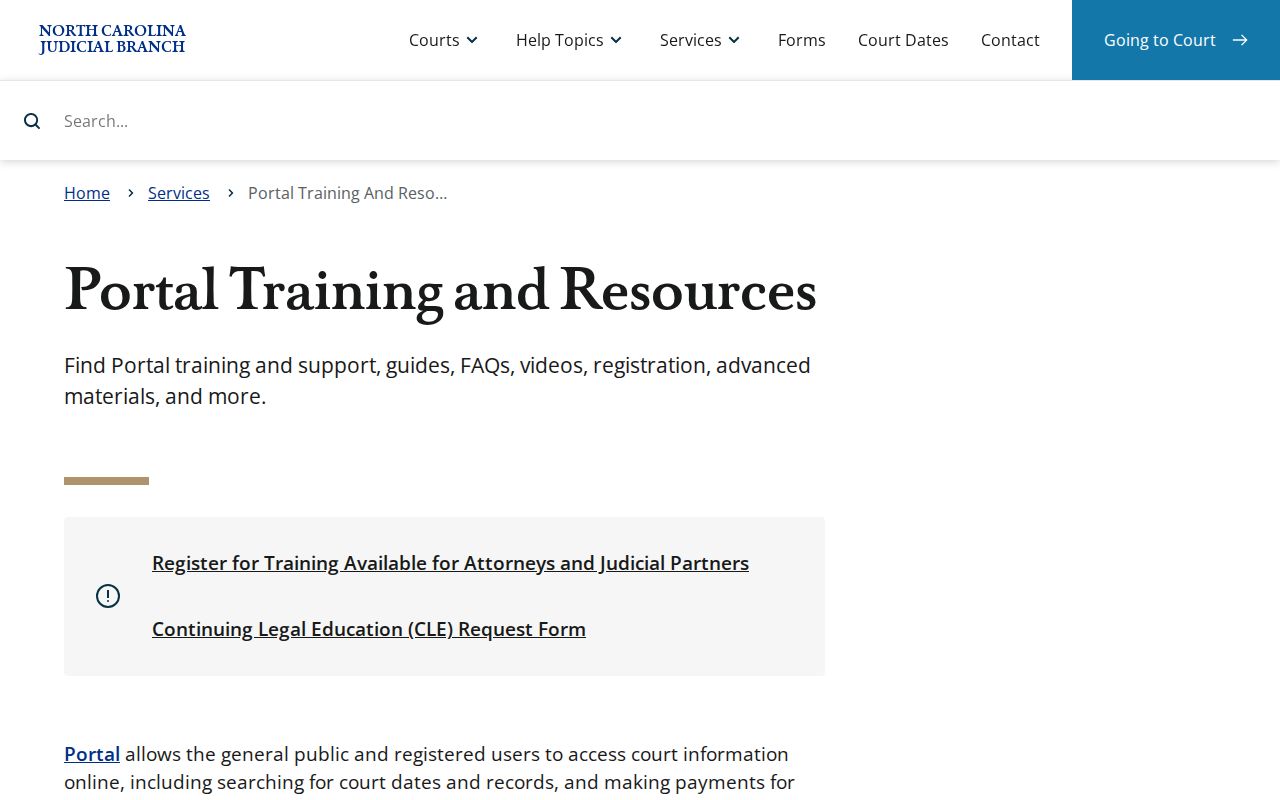
Portal training is a fine way to learn the official search features. Still, a public result has limits. When you need an official record or the complete file, check with the Tyrrell Clerk.
How to Search by Case Number
Nothing beats a full number for a Tyrrell County case lookup. Enterprise Justice numbers run in a set pattern. You get a two-digit year, case-type letters, a six-digit sequence, then a three-digit county identifier. Tyrrell's identifier is 880. One safe illustration of the format is 25CR000042-880. That is only a pattern example, not a live record. Pull a real Tyrrell number from a citation, notice, order, or other court paper. Do not guess at one from a name.
The letters carry some context, but only some. CR means at least one criminal charge is involved. IF marks an infraction-only traffic type under state guidance. The Tyrrell suffix keeps the county distinct inside the statewide system. Wildcard searching on a Tyrrell case number needs at least four characters before the asterisk. A complete known number is the better tool whenever you have one.
Tyrrell -880 Case Number Format
That ending -880 is the Tyrrell County piece of the Enterprise Justice number. Do not read the rest as a code for a person or a case outcome. It simply marks the year, the case-type code, and the sequence. Keep the hyphenated county identifier attached to the full number, and you will avoid mistaking a statewide result for a similarly numbered docket from another county.
Older Tyrrell court records take extra care. Tyrrell moved onto Portal and Enterprise Justice on February 5, 2024, and the transition materials warned that filings arriving during the conversion window could lag in indexing. A gap that looks like a legacy problem is not proof a case was never filed. Ask the Tyrrell Clerk to check the official file or the public terminal instead.
What a Case Search Shows
Choose a public result. Smart Search then opens the Case Summary, also called the Register of Actions. Think of it as the portal's web view of the Tyrrell court case chronology. It is not a page of document images. It is not the official record either. Read the Tyrrell case number and case information first. Confirm the parties and assignment information. Then follow the events down to any current hearing or disposition.
| Case Information | General public case information where the Portal supplies it. Do not assume each result includes the same banner fields. |
|---|---|
| Assignment Information | The Portal category for court and assignment context. |
| Parties and attorneys | Public parties may appear, except victims; attorney searches are supported, while display details should be checked in the actual result. |
| Civil cause of action | Shown where applicable for Civil, Family, Probate, and Mental Health cases. |
| Case Events | The dated Register of Actions timeline, including documented examples such as issued, returned, reset, or recalled events. |
| Hearings and Dispositions | Shown where present. Search Hearings is the companion route for current location and time work. |
| Financial Information and documents | Shown when applicable and public. Restricted, confidential, or sealed material does not appear. |
Big Tyrrell case files can trip up the portal. Official guidance warns that a large file may return an error. Documents must be downloaded one at a time. When that is not enough, the Tyrrell Clerk can provide a document in smaller portions. Also know that a paper file at the courthouse, a clerk copy, and a certified copy are three different ways to get at the same court record.
Tyrrell Case Summary Categories
For Tyrrell public cases, the categories worth knowing are Case Information, Assignment Information, Parties, Case Events, Hearings, Dispositions, and Financial Information where applicable. Tyrrell civil, family, probate, and mental-health matters may also list a cause of action. Treat these categories as inventories. They are not a promise that every case holds every value or public document.
A date sitting in Case Events can be purely historical. For a current setting, open Hearings. Run Search Hearings to get the location and time. The related Tyrrell County court dates page walks through the verification order across the case record, hearing search, calendar, and Clerk.
County vs Statewide Case Search
Tyrrell County runs no case-search site of its own. Instead, the North Carolina eCourts Portal serves as the statewide online layer for public Tyrrell court information, and the Tyrrell County Clerk of Superior Court keeps the official local case file. Each channel has its own job. The Portal gives fast public access to a Tyrrell Case Summary across participating locations, while the Clerk's office holds the court file itself, offers a public terminal, allows paper-file access where permitted, and produces copies. For a Tyrrell court docket search, know which tool answers which need.
| eCourts Portal | Tyrrell Clerk route |
|---|---|
| Free anonymous Smart Search for public Case Summaries, hearings, judgments, and eligible payments. | Official local custodian for Superior and District Court files, public terminals, paper-file access, and copies. |
| Useful for a statewide name or known-number search in the Odyssey system. | Useful when a Tyrrell public web result is missing, the official record is needed, or a copy is requested. |
| Public data can be available within minutes of upload, subject to processing and access limits. | Provides the local confirmation path; staff cannot give legal advice. |
The Tyrrell County Judicial Branch page gathers the county court services and contacts in one place. The courthouse remains the local channel for a public terminal search or a paper file.
Tyrrell Smart Search and Judgment Search
The Portal offers another tool called NC Judgment Search. It is no substitute for Tyrrell Smart Search. Judgment Search scans a judgment index by party name or case number. Filters cover case type, status, location, and judgment date. A hit can display the Tyrrell case number, disposition status, index date and time, parties, and any judgment comments.
Treat it as a first step. Find a possible Tyrrell judgment record there. Then go back to Smart Search for the full public Case Summary. That habit keeps a judgment-index result from being mistaken for the whole case history. When the record is not public online, or you need an official copy, request the material from the Tyrrell Clerk.
Restricted Cases and Access Rules
Public access to Tyrrell court records has firm limits. Sealed and confidential cases, data, and documents stay off the Portal. Juvenile records are withheld from public inspection under G.S. 7B-3000. The Portal FAQ also lists restricted items. Unreturned criminal warrants and certain protective-order information are restricted for ordinary public users. Social Security numbers never display, and the public date-of-birth view masks month and day.
A missing result has several possible causes. The name or number may be entered wrong. The format could be off. The record may be restricted, or no match may exist. That empty screen does not prove no court matter exists. For ordinary public material missing online, try the Tyrrell Clerk's public terminal or the paper file. For restricted material, ask only about the legally permitted access route.
Tyrrell Restricted Record Response
A blank Tyrrell search is not the end. First, retry the complete Tyrrell case number or a correctly formatted name. Then consider whether the record type is one the Portal limits. The Tyrrell Clerk can confirm the next step for a public file. That file may sit at the courthouse. A public terminal can confirm that certain domestic-violence or protective-order matters exist. But it grants no license to guess at restricted content.
Official record point. The Portal is not the official court record. The Tyrrell Clerk maintains the official local file for Superior and District Court matters, including the available paper-file and copy channels.
Registration changes none of that. My Cases simply saves cases for an account holder; it never expands access past what the public user could already see. Keep the case number handy, use the public tools accurately, and call the Clerk when a court-held record is what you need.
Tyrrell 2024 Portal Cutover
Tyrrell's eCourts Track 3 go-live landed on February 5, 2024. That date brought Portal, Enterprise Justice, and File & Serve into the Tyrrell public access and filing environment. The later statewide rollout means the same technology now covers all 100 counties. Still, Tyrrell's own changeover date matters for anyone tracing older material.
During the January 31 to February 5 conversion, legacy systems shifted to inquiry-only mode, and transition guidance warned of possible indexing delays for Tyrrell filings received in migration. The answer to a Tyrrell historical search gap is not a second speculative database. Check Portal first. Then ask the Tyrrell Clerk what exists in the official record or at the courthouse terminal.
Tyrrell File and Serve Is Filing
File & Serve runs inside the same Enterprise Justice environment. Its job is different, though. It submits Tyrrell documents rather than reading a public Tyrrell case lookup. A filing account or shared login does not turn File & Serve into Smart Search. A successful Tyrrell filing does not prove instant updates. It does not show that a public Case Summary has updated yet. The official File & Serve landing page is the filing route for submitting court documents.
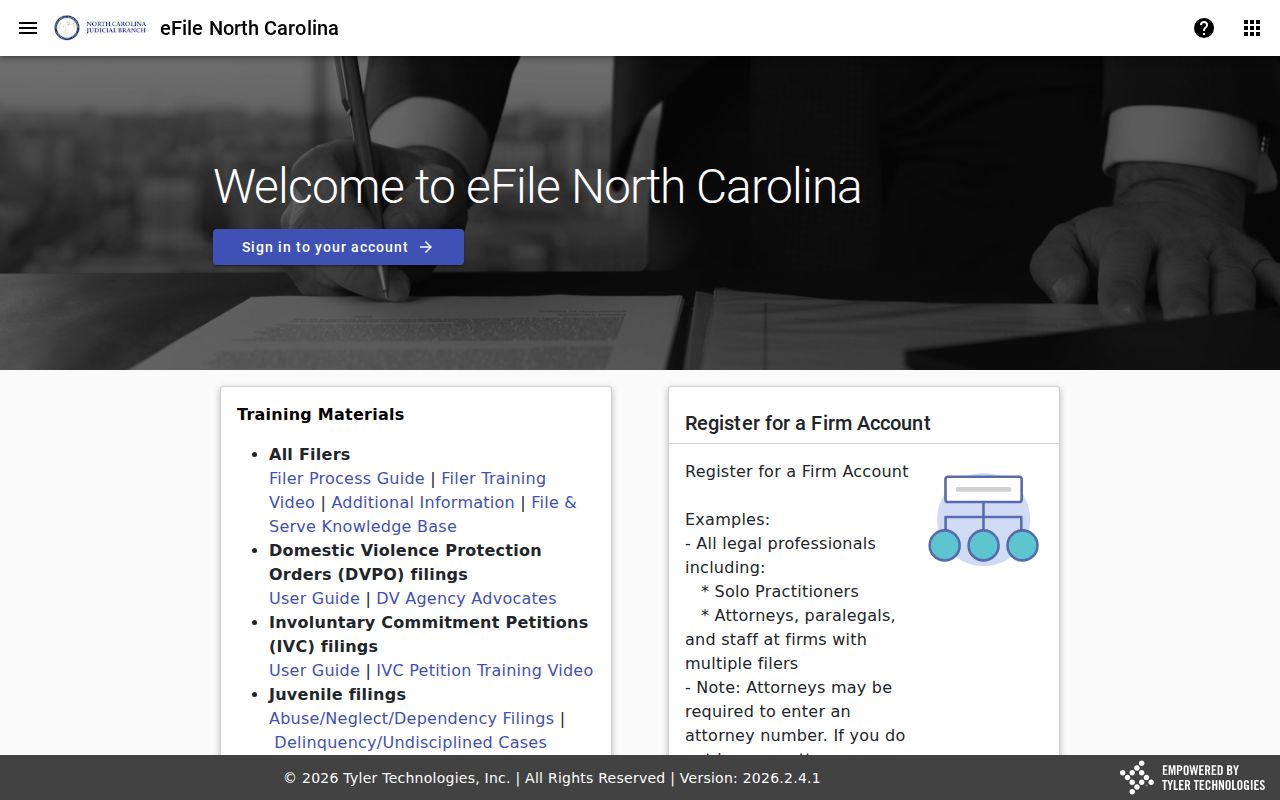
Use Smart Search for public case information. File & Serve is for filing only.
Tyrrell Federal Docket Route
Federal cases live in a separate system. Tyrrell County sits in the Northern Division. It belongs to the U.S. District Court for the Eastern District of North Carolina. Neither the eCourts Portal nor the Tyrrell Clerk holds a Tyrrell federal case. Remote federal docket access runs through PACER. The Eastern District uses CM/ECF for its electronic docket and filing. The EDNC county and division list places Tyrrell in the Northern Division.
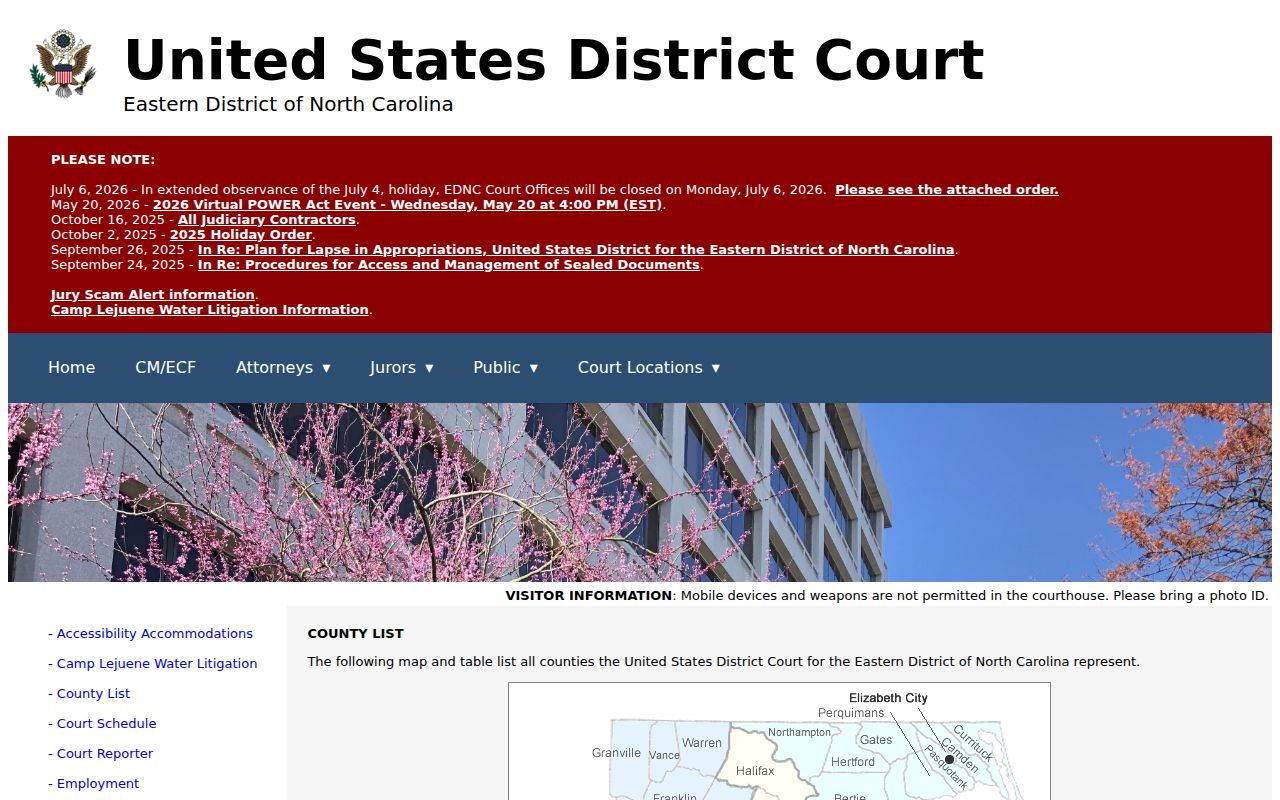
The division map gives federal jurisdiction context only. It does not fold a federal docket into the Tyrrell County state court docket. The EDNC CM/ECF access information page describes the federal electronic system and public-terminal access.
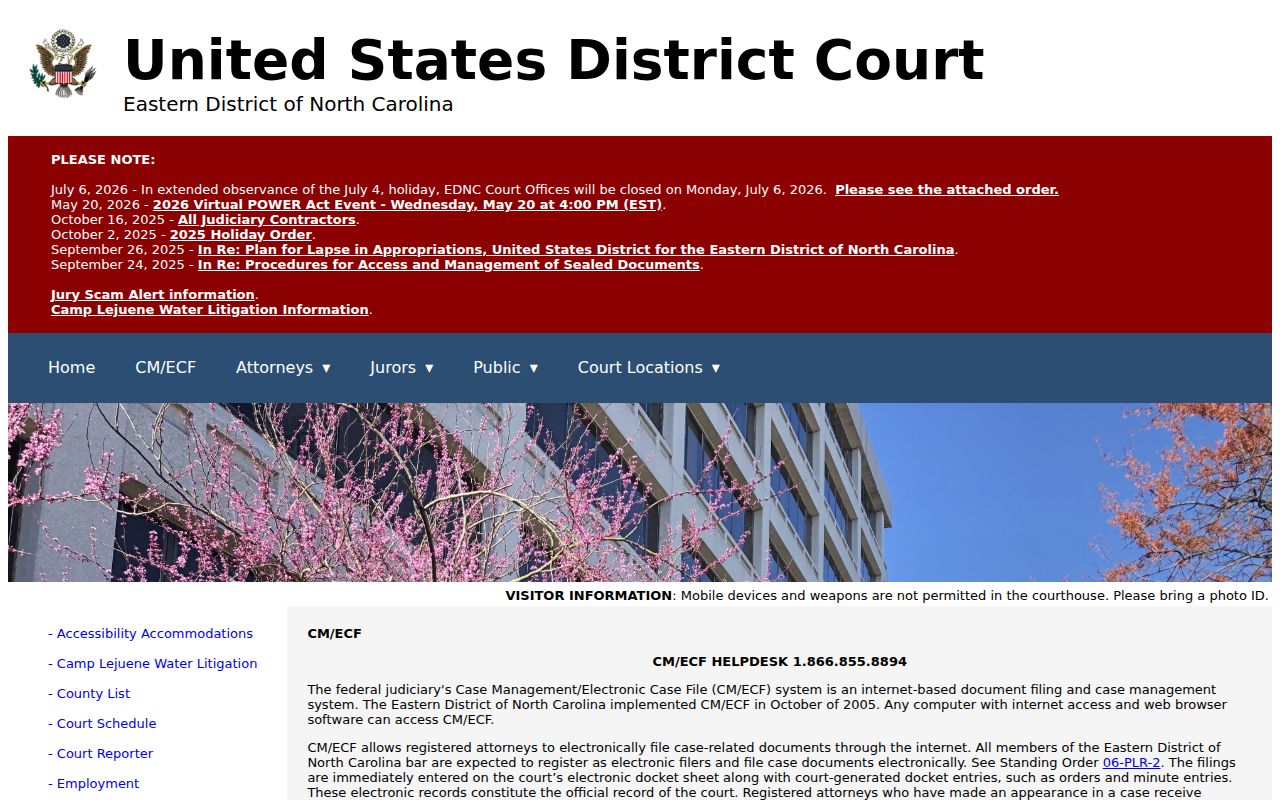
For federal files, use the federal system or a staffed federal clerk office. A state Portal or county Clerk search will not reach them.
Tyrrell Federal PACER Access
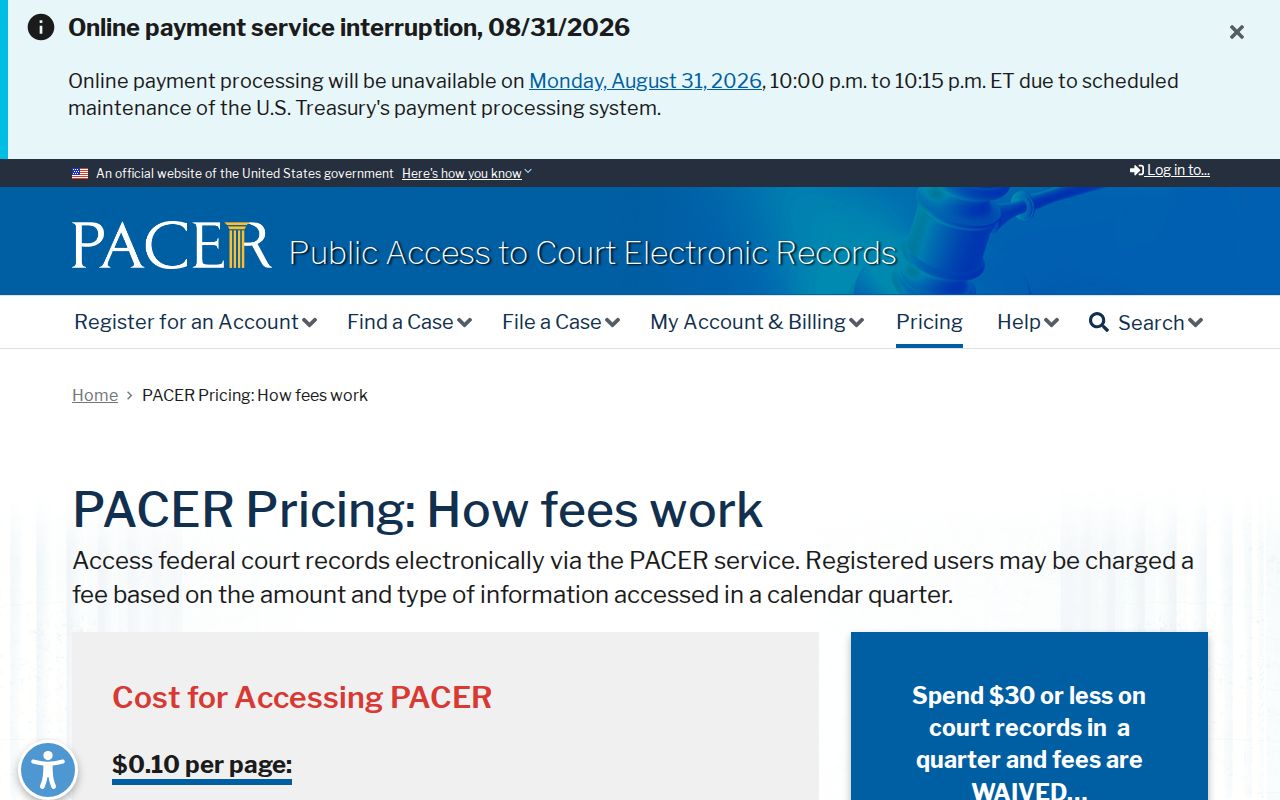
Federal cases run on a different track. PACER is the account system the federal Judiciary uses for remote access, and it bills by the page: $0.10 each, usually capped at $3 for a docket report or document tied to one case. Transcripts and broader reports fall outside that cap. Small bills disappear, too. Anything $30 or less in a quarter gets waived, and the public terminals at the federal courthouse cost nothing at all. Keep in mind these rules govern federal matters only. They have no bearing on a Tyrrell County state Case Summary.
The EDNC court information page displays the court's CM/ECF configuration alongside the federal case-number style, including examples like 5:26-cv-00620-FL.
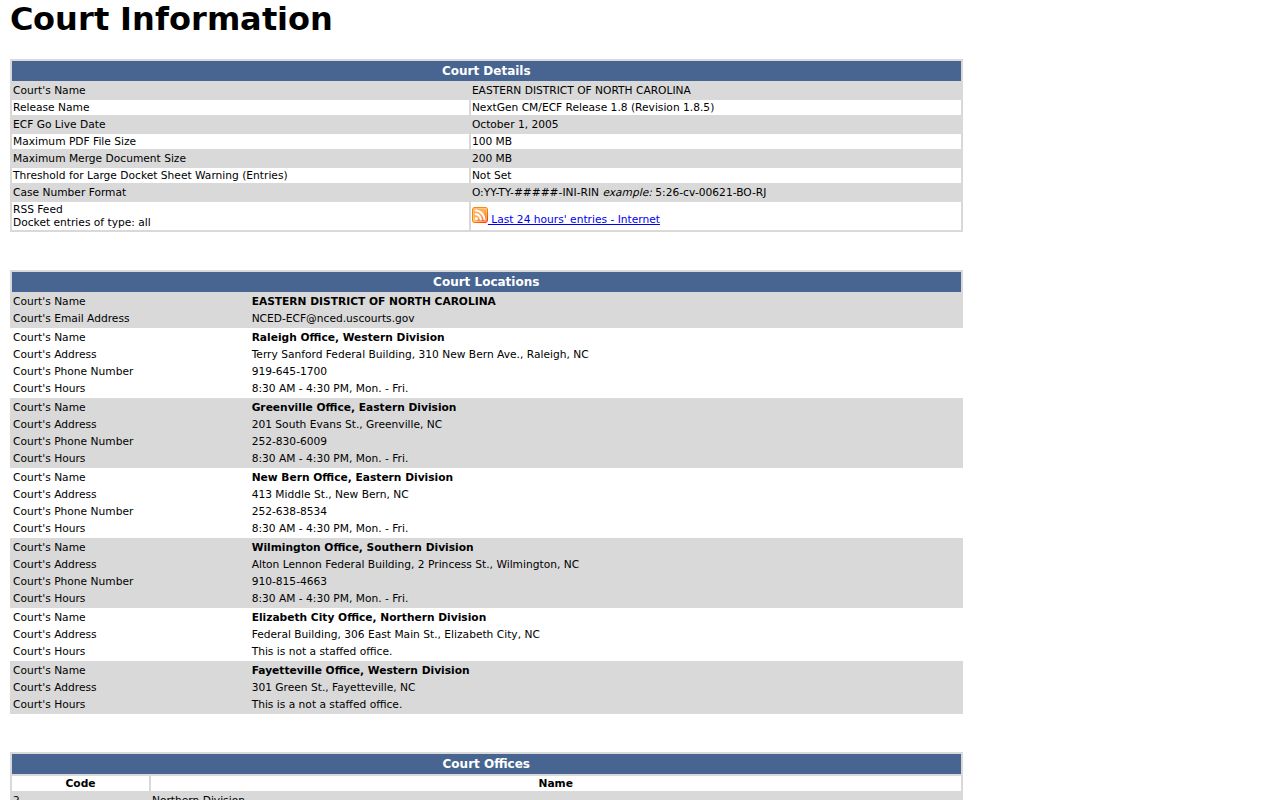
A federal docket number looks nothing like the state Enterprise Justice format you would use for a Tyrrell County case lookup, and the courthouse sitting behind it is a different building altogether.
For the full breakdown, the official PACER pricing page spells out the remote-access fees along with the rule that courthouse terminals stay free.
Save the PACER route for federal cases. Everything filed in Tyrrell County state court lives elsewhere: the eCourts Portal and the Tyrrell Clerk hold those public records.